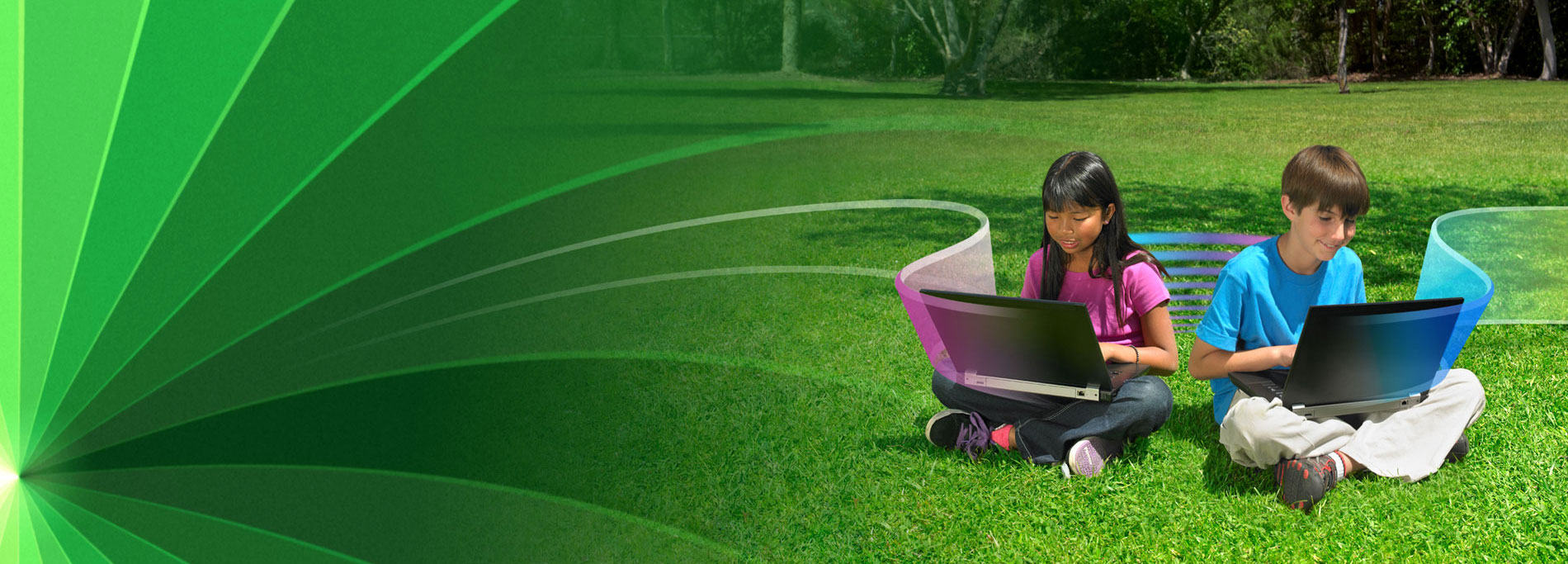



Share lets students combine text, graphics, movies, and animations to show mastery and understanding. Students will synthesize content and communicate ideas through interactive ebooks, presentations, brochures, web sites, and digital portfolios.
Using Share encourages critical thinking, creativity, and communication skills, building media literacy as students become actively engaged with the content.
Available for:

Languages:


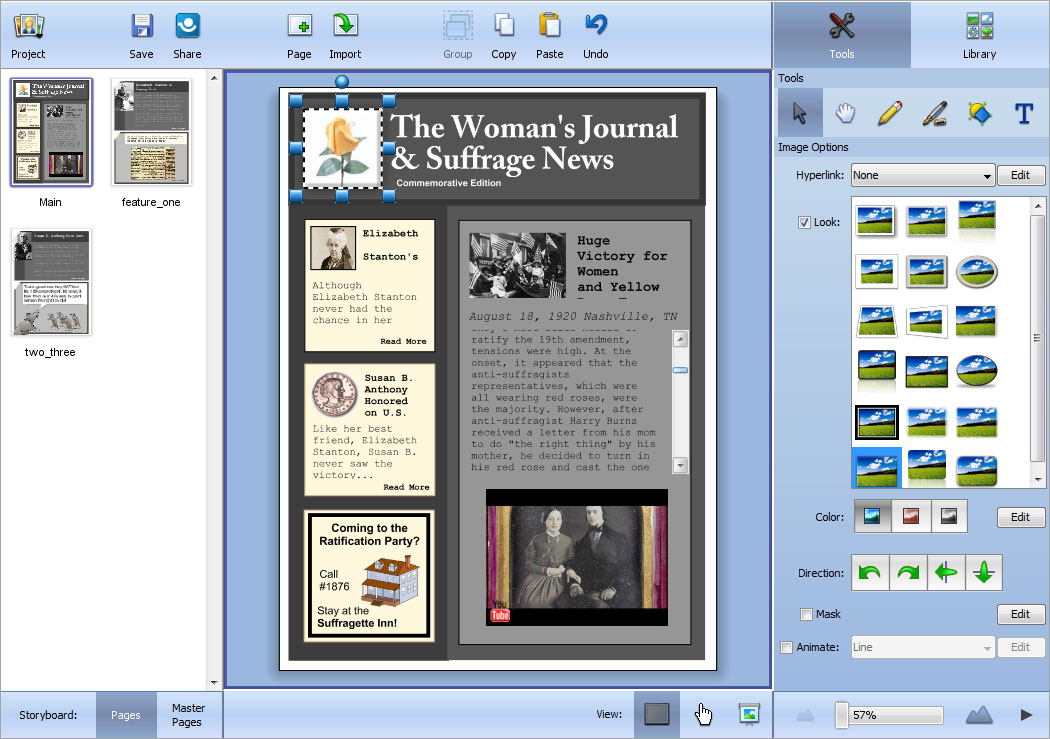
Using Share encourages critical thinking, creativity, and communication skills, as students actively engage with classroom content and build powerful media literacy skills.
Students use Share to synthesize content they are learning and communicate ideas through web sites, interactive presentations and brochures, and digital portfolios.

Share supports essential team-building and organization skills through real-time collaborative projects.
Import options make it easy to collect individual student work into small-group or whole-class projects.

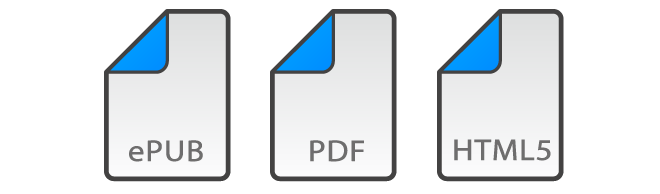
Share makes it easy to distribute student work as ePubs, PDF files, and as HTML5 to showcase work to an audience outside the classroom.
Complete the form to download a 30-day evaluation version of Share
The 30-day evaluation version is a fully-functioning version of the software. Your 30 days begin the first day you use the software.