

Use Frames to engage students in the curriculum, encourage problem solving, promote creativity, and help students develop 21st-century skills.
Use these lessons, resources, samples, and standards to get started integrating Frames into your classroom curriculum.
From classroom management, to project ideas, to script writing and planning, the resources in these kits will help you implement creativity with technology across your curriculum.
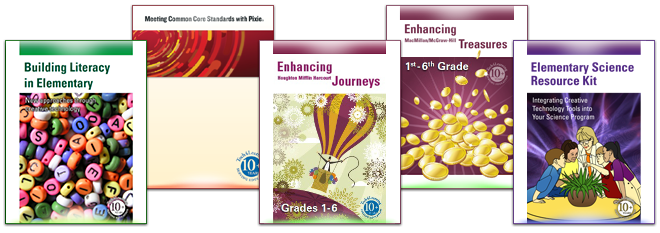
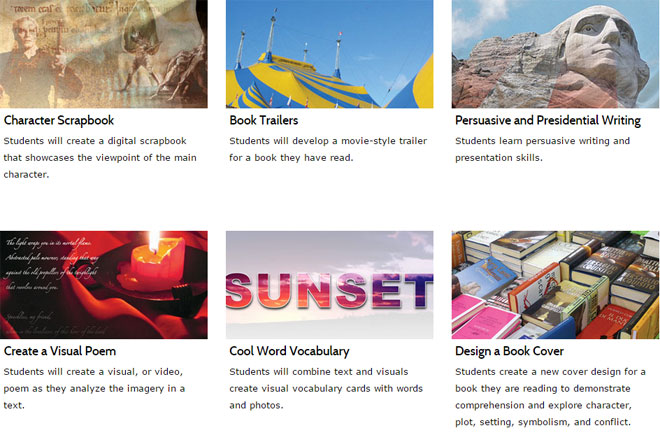
Creative Educator's lessons for Frames provide high-level ideas for Language Arts, Math, Science, and Social Studies that engage students in the curriculum while building creativity, communication, and critical thinking.
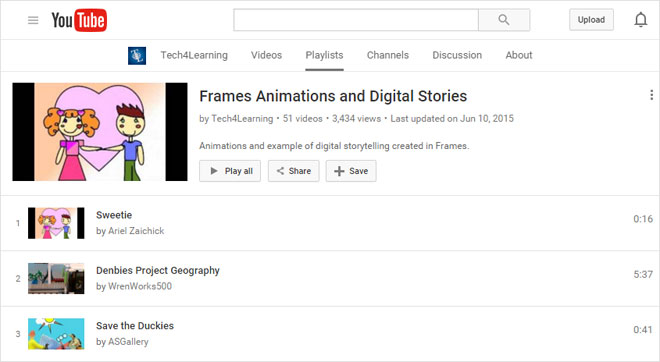
Find inspiration for your own Frames projects by watching samples of videos created in Frames on the Tech4Learning YouTube channel.
Use the pull-down menu below to view content standards correlations for Frames specific to state, subject, and grade.
The evaluation version is a fully-functioning version of Frames. Your 30 days begin the first day you use the software.


