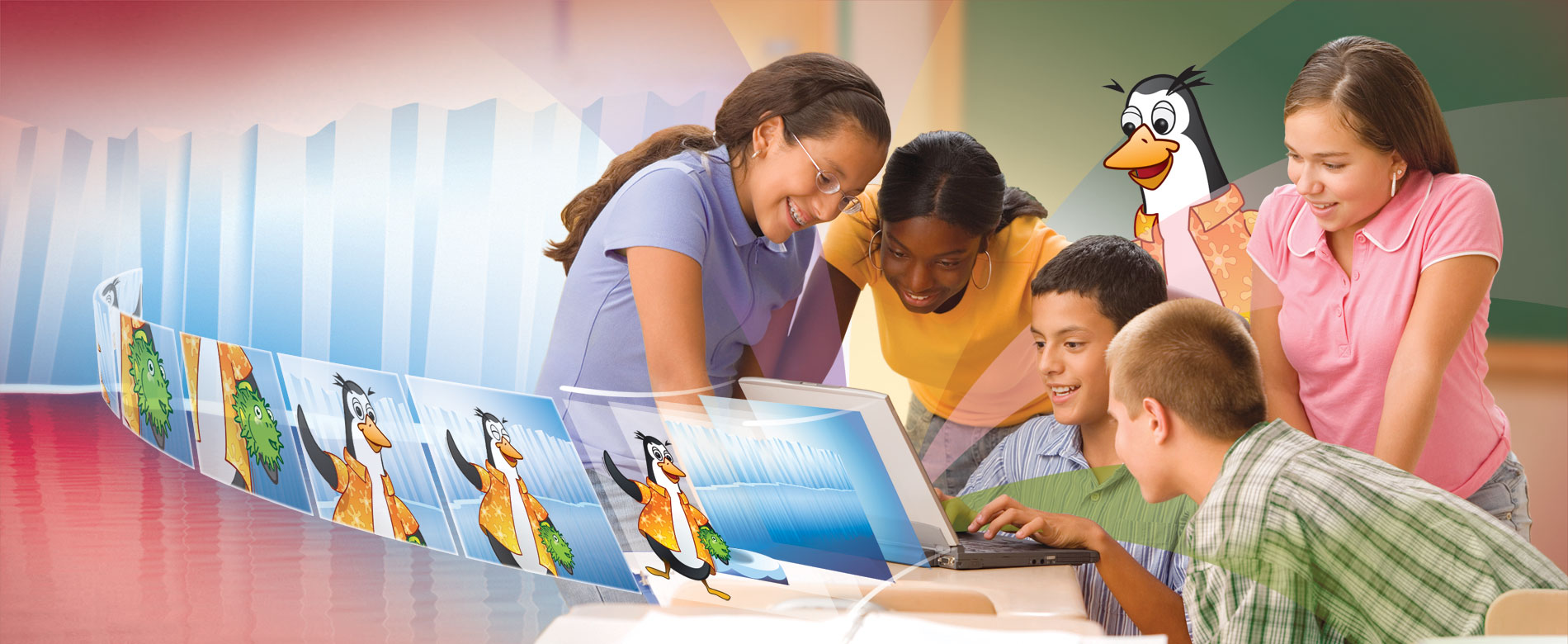

Everyone has a story to tell. Make yours memorable with Frames.
Frames combines illustration and stop-motion tools into an award-winning, easy-to-use animation package.
Available for:


Languages:


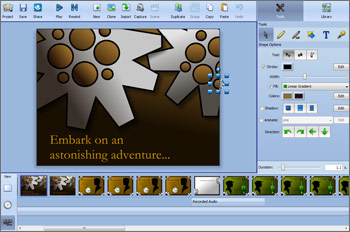
There are few things more fun than creating clay animation, LEGO® stop-motion, and cut-paper animations.
Frames makes it easy to capture images from web cams and import entire folders of images from digital cameras. Combine this quick start with features like onion skin, chroma key, and time-lapse making it easy to create stop-motion animation.
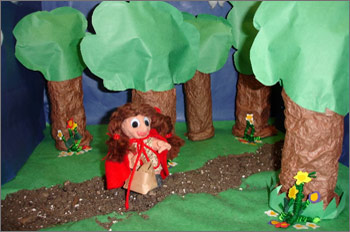
Making your own animated cartoons is a snap! Frames makes it easy to get them started with integrated drawing tools, clip art, and path animation options. Multiple sound tracks make it easy to combine narration, sound effects, and background music.
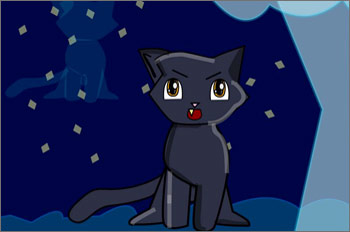
The process of crafting the digital story builds communication, creativity, visual and sound literacy, and project management skills.
Telling your stories with text, pictures, and your own narration is easy. Frames helps you engage your audience with features like pan and zoom, the ability to match frame duration to sound recording, and more.



The evaluation version is a fully-functioning version of Frames. Your 30 days begin the first day you use the software.